AI image detection for web.
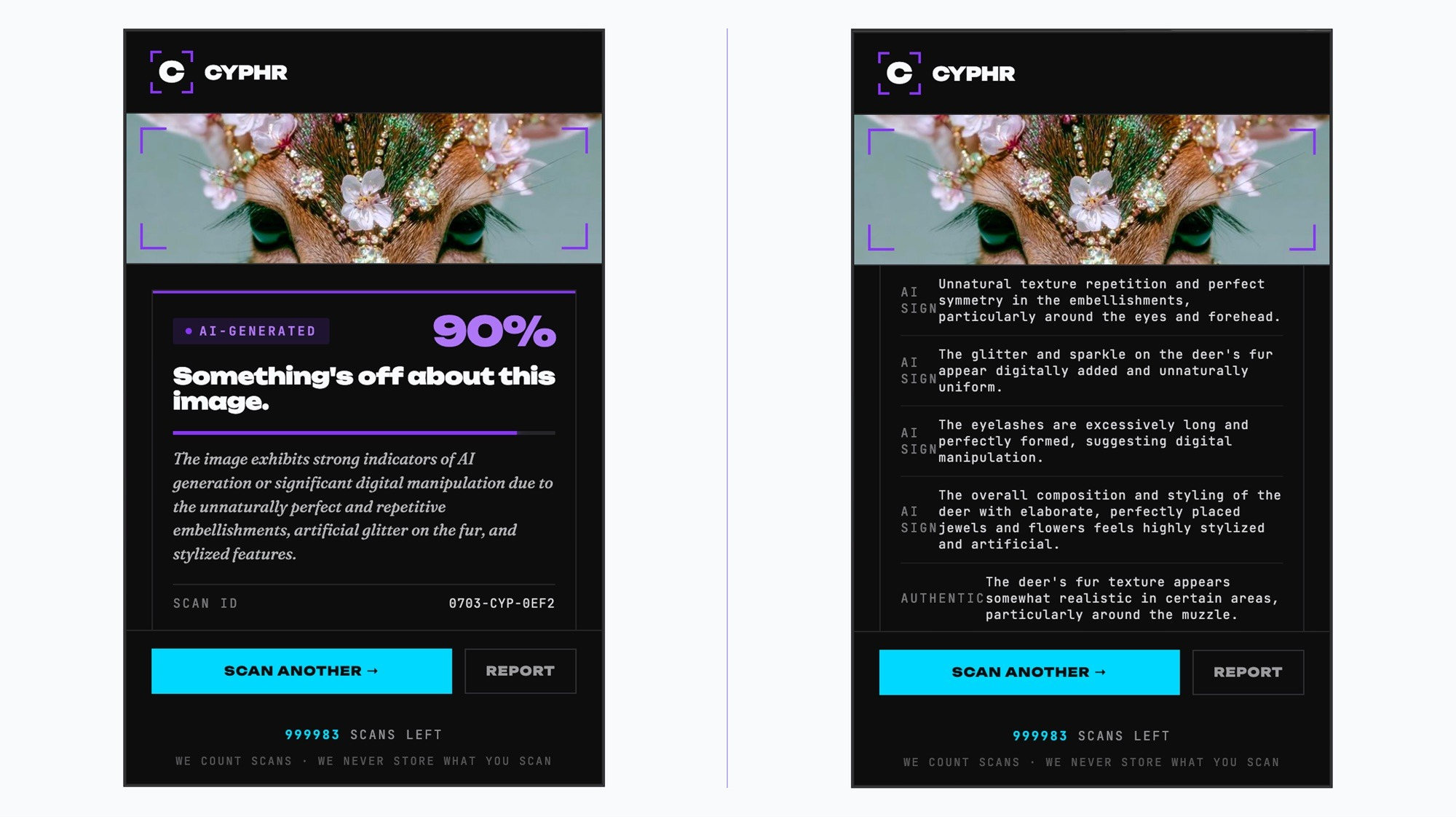
CYPHR is a Chrome Web extension that tells you whether an image is AI-generated in under 10 seconds, right in your browser or on your phone. You no longer need to switch screens and open an app to find out whether what you are scrolling past or about to buy, is real. The power is in your hands.
AI images appear where people expect to see handmade work.
Around 2024, AI-generated images began flooding online craft communities. The signs: stitch patterns that do not obey the physics of real fiber, items that oddly vary in each photo, and impossible structures. Not every eye can detect these. Existing detection methods were clunky standalone tools built for technical users, not someone mid-scroll debating if a photo is real.
This solo project: strategy, UX, visual design, copy, pricing, legal docs and infrastructure all done by me. I built and completed this six months into practicing product design, with no engineering team, and a limited self-funded budget. Every decision was mine to make.

Three decisions shaped the build.
Confidence score, not a guaranteed verdict.
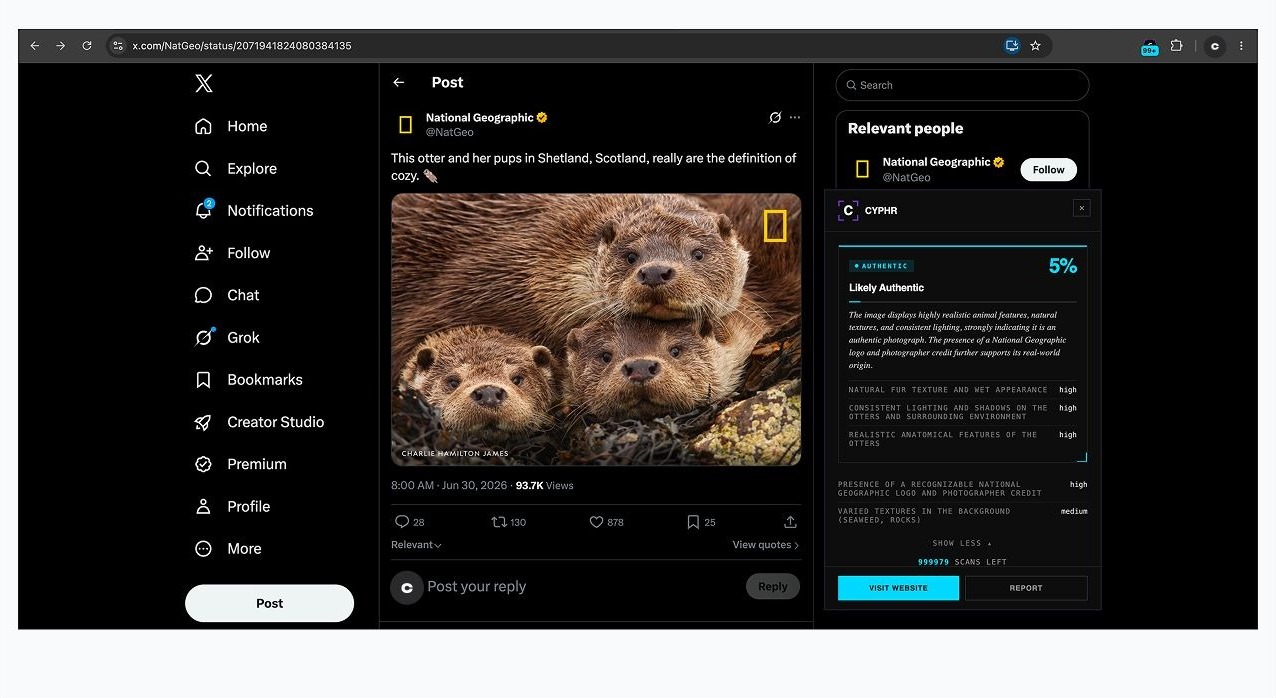
Competitor tools return “AI” or “Not-AI” with no nuance, and a binary verdict stated as fact on a nuanced result is a form of misinformation. So I built CYPHR to return a confidence percentage with an expandable explanation. The audience that needs this most (casual internet browsers) needs a citable, qualified output, not false confidence. CYPHR gives the user power to make an informed decision.
A browser scan page, not a native app.
Chrome extensions cannot run on mobile browsers, so mobile users had no way to use CYPHR. A native app adds unnecessary friction: someone mid-scroll unsure about one image will not take the time to install an app, make an account, log in, then hope their timeline did not refresh and lose the image they meant to scan. So I built a mobile web page on the same backend, so users don’t have to do the work, and scanning works the moment someone taps a link.
Cut a feature instead of softening a claim.
The live site originally said “on-device, no uploads.” It was not true. Images route through Google’s Gemini API. I disclosed it directly, cited Google’s data policy, confirmed CYPHR had not opted into data sharing, and removed the “scan history” feature entirely, because you cannot promise not to store what is scanned while offering a history of it. I took the harder path before a single user had paid.
The listing that started it, scanned live.
A $45 crochet pattern was available on Etsy with an AI-generated preview image. Scanned live on the listing, CYPHR returned 80% likely AI-generated with specific, readable reasoning: unnaturally smooth and uniform “stitches” lacking the tension and variations of handmade work, artificial lighting, and repetitive “snow” texture. The same tells that experienced crocheters called out by eye, now specific and citable in seconds.
A product whose entire premise is “trust what you see” cannot survive shipping a privacy claim that does not hold up.
Two moments needed judgment that was difficult to obtain for a solo product: A production webhook kept returning 500s; my first fix changed the error but did not stop it, and the real cause was one corrupted character inside the production secret key. And right after submitting to the Chrome Web Store, I found the site still pointed at a placeholder extension ID, which is permanent once a listing exists and would have silently broken sign-in for every real install, forever. I caught both by verifying end to end instead of assuming.
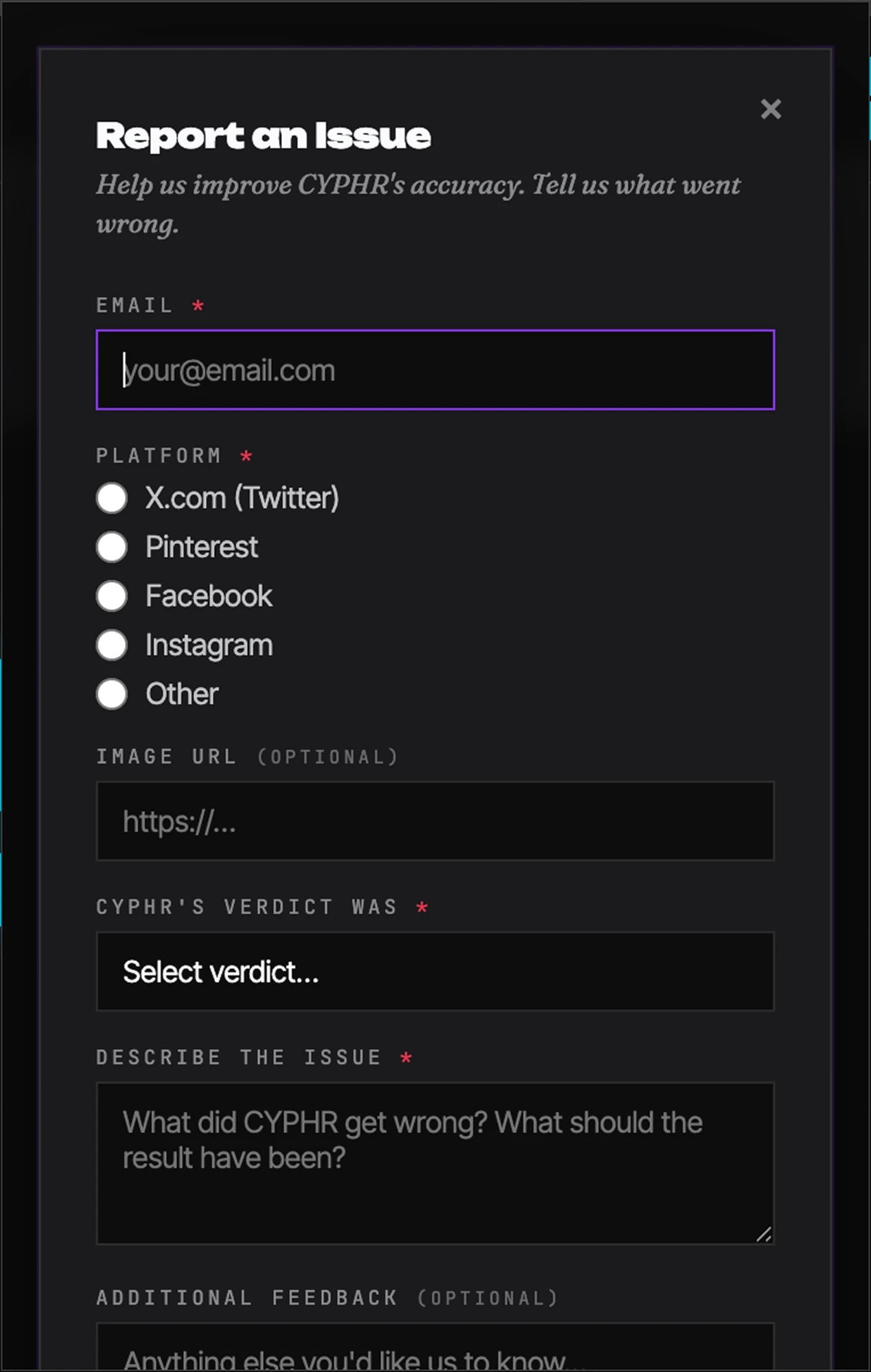
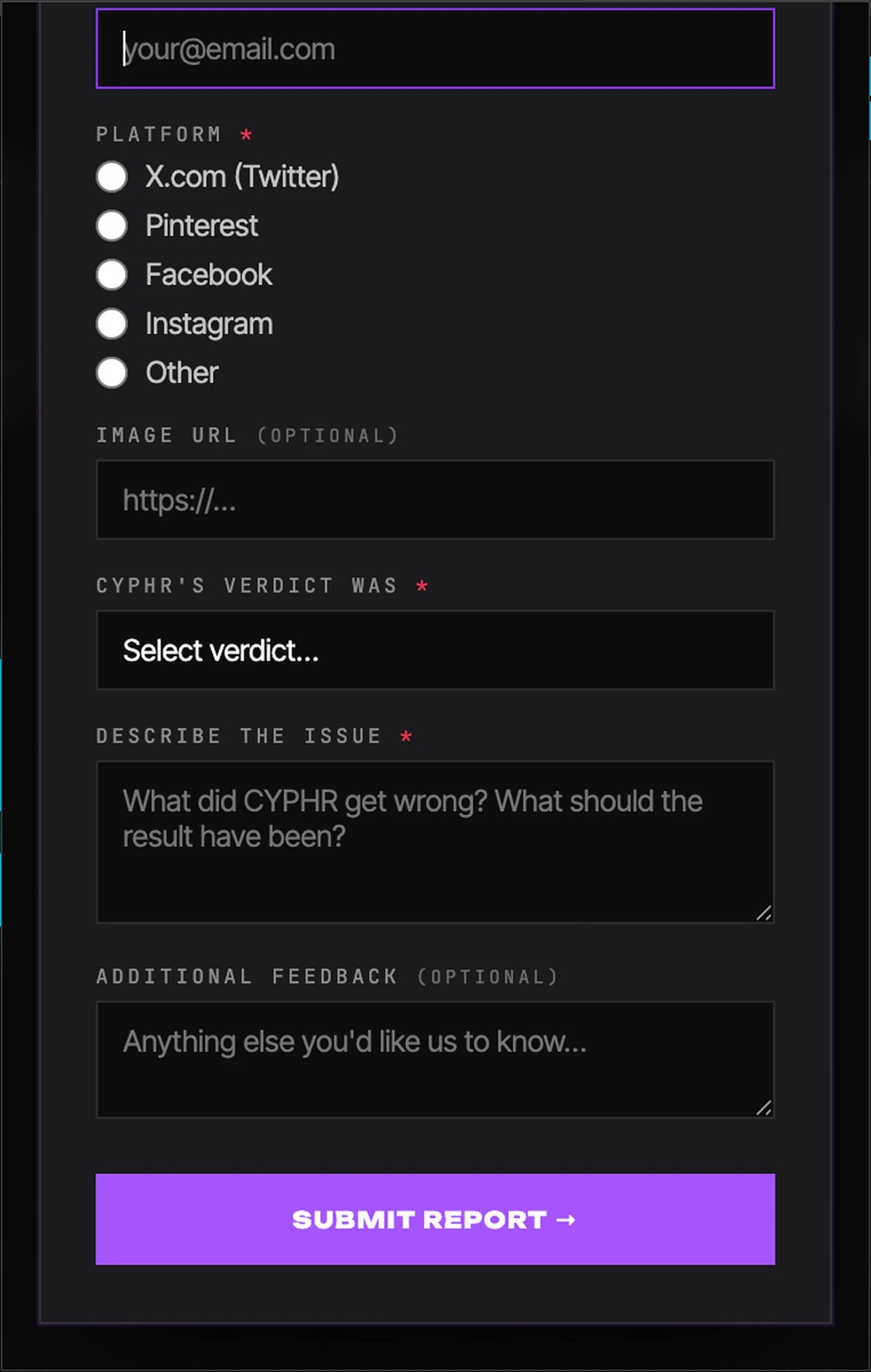
Live infrastructure, not a theoretical demo.
A verdict you can argue with
Every scan returns the specific signals behind the score, ranked by confidence, so the result can be checked rather than taken on faith. No accuracy figure is published, because I have not run a benchmark I could stand behind.
Shipped end to end
getcyphr.com live with full pricing, a Chrome extension submitted for review, a mobile scan page, and live Stripe billing with webhook provisioning.
Zero false privacy claims
I disclosed the Gemini API usage and cut the scan-history feature to keep the promise true, before a single user paid.
Real-world validation
The Etsy listing behind the origin story, scanned live and correctly flagged. Not just a benchmark number.
“The hardest part was not the design. It was the decisions I haven’t yet been trained to make.”
Pricing architecture, tax categorization, legal exposure from inaccurate copy, and reading a live production error log to find why actual money spent was not turning into a real account upgrade. What I would do differently: write the privacy policy on day one, not month four, and treat “the update ran without an error” with far more suspicion. A no-op and a success look identical until you check.
Try CYPHR →